Support
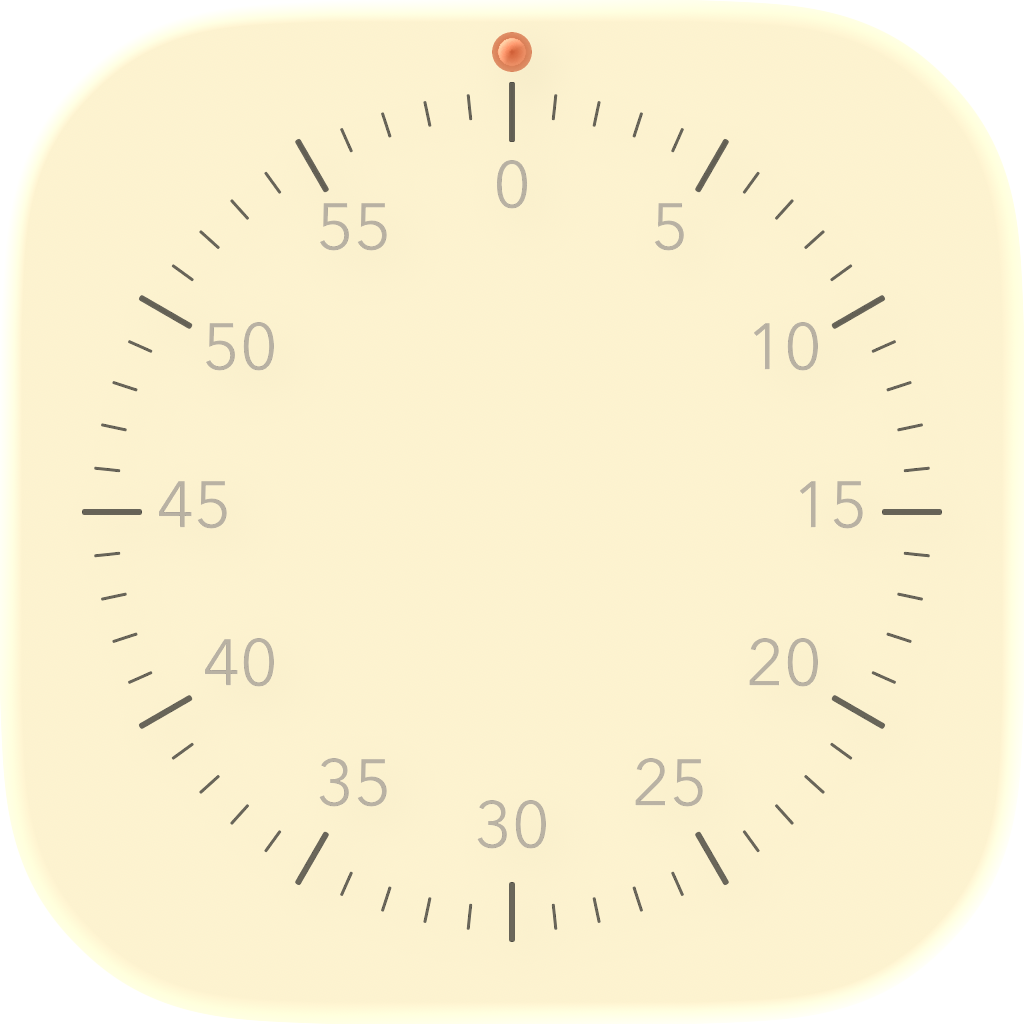
Tasker Timer is a focused radial countdown timer for quickly setting short work sessions, breaks, and everyday reminders.
Contact Support
For help, bug reports, or feature requests, email support and include your device model, iOS version, and a short description of what happened.
Email: mkcuadera@gmail.com
Quick Help
Set a Timer
Drag the radial dial to choose a duration up to 60 minutes.
Start Countdown
Release the dial after selecting a duration to begin the timer.
Completion Cue
Tasker Timer provides a haptic notification when the countdown ends while the app is active.
Troubleshooting
The Timer Does Not Start
Make sure the dial is set above zero minutes before releasing it. A timer cannot start when no duration is selected.
I Did Not Feel the Completion Haptic
Check that haptics are enabled on your device and that the app is open in the foreground when the timer finishes.
The Selected Time Changed While Dragging
Tasker Timer rounds the dial position to the nearest minute. Move the dial slightly if you need to adjust the selected duration.
Privacy
Tasker Timer is designed as a local utility. It does not require an account and does not collect personal information through the timer experience. See the app’s Privacy Policy for additional details.
System Requirements
- Requires a compatible iPhone or iPad running the app from the App Store.
- For the best experience, keep iOS and Tasker Timer updated to the latest available versions.
Last updated: 09 August, 2026
© 2026 Mervin Keith Cuadera. All rights reserved.